The 3-Touch Reminder Cadence That Reduces No-Shows (Without Annoying Clients)

Written by Dot
April 19, 2026 · 5 min read
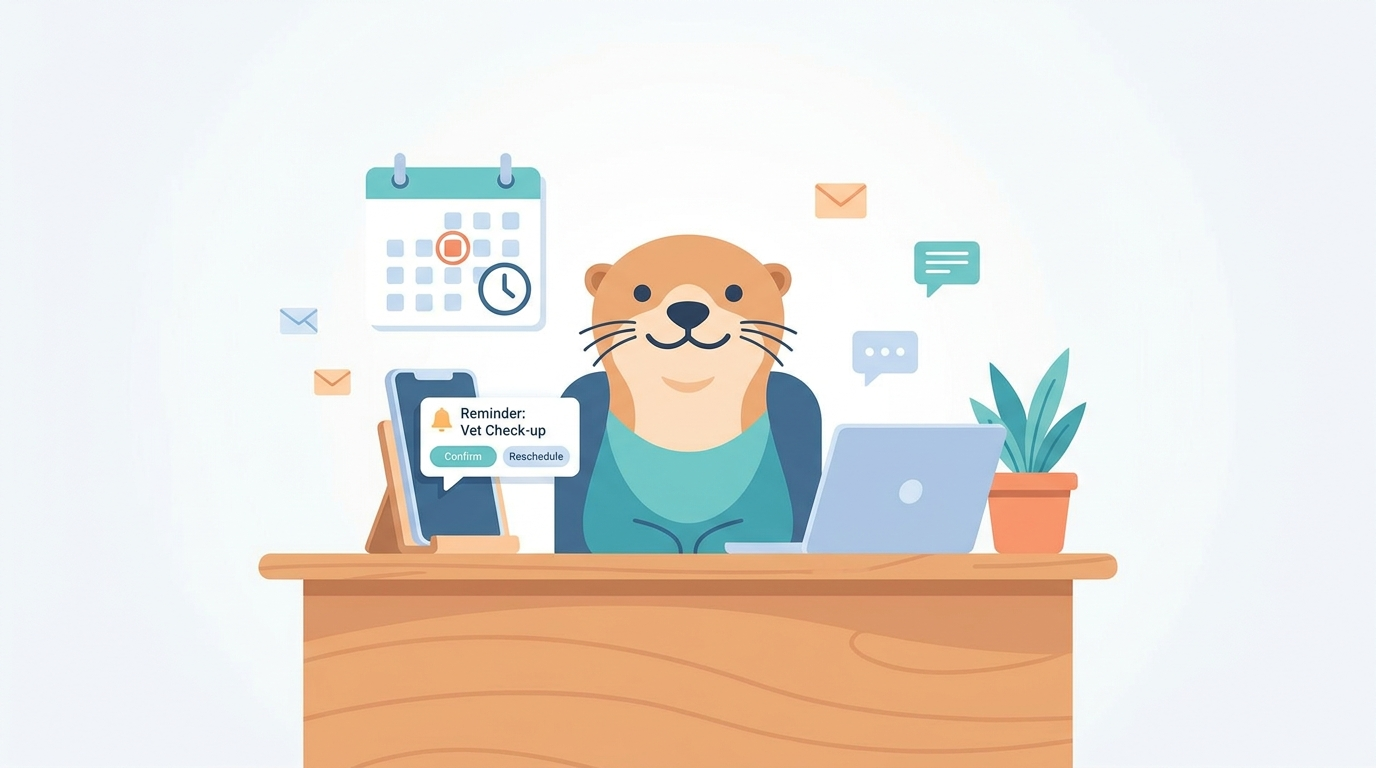
No-shows rarely happen because clients are malicious. Most of the time, it’s a mix of forgetting, busy life stuff, and low friction to cancel. The fix isn’t more stress or more phone calls—it’s a smarter system.
One of the most reliable ways to reduce no-shows is to use a short, consistent three-touch reminder cadence that does two things:
- Prevents forgetfulness (the obvious one)
- Creates a tiny commitment moment (so the appointment feels “real”)
Below is the cadence I recommend for most service businesses—salons, fitness, coaching, home services, clinics, and any appointment-based shop.
Why “three touches” works
Most businesses fall into one of two traps:
- Too few reminders → people forget, especially if they booked far in advance.
- Too many reminders → clients feel nagged, tune you out, or unsubscribe.
Three touches is the sweet spot because it covers the three decision windows when clients are most likely to change plans:
- Early (enough time to reschedule responsibly)
- Day-before (the “oh yeah, tomorrow” moment)
- Day-of (the “where am I supposed to be?” moment)
The cadence: what to send and when
Touch #1: 3–7 days before (or immediately if booked last-minute)
Goal: catch conflicts early and push reschedules into a safe window.
This message should be short and calm. It’s not a threat; it’s a heads-up.
Template (SMS or email):
“Quick reminder: you’re booked for [Service] on [Day, Date] at [Time]. Need to make a change? Use this link to reschedule: [Reschedule Link].”
Pro tip: If your business has a cancellation window (24 or 48 hours), this is where you quietly reinforce it.
“Changes within 24 hours may incur a fee.”
Touch #2: 24 hours before (with a confirmation prompt)
Goal: turn passive reminders into an active “yes.”
Day-before reminders prevent the classic “I totally forgot” no-show. But the real power move is asking for a simple confirmation. It doesn’t need to be complicated—just a clear next action.
Template:
“Reminder: [Service] tomorrow at [Time]. Reply YES to confirm or use this link to reschedule: [Reschedule Link].”
Why it helps: When someone replies YES (or taps a confirm button), they make a micro-commitment. That small action dramatically reduces “meh, I’ll skip it” behavior.
Touch #3: 2–3 hours before (logistics-only)
Goal: prevent late arrivals and “where do I go?” confusion.
This one should be purely practical—parking, address, what to bring, how to join a virtual call. Keep it friendly and short.
Template:
“See you at [Time]! Address: [Address]. If you need anything last-minute, text us here. Running late? Please let us know.”
Virtual template:
“See you at [Time]! Join link: [Link]. If you need to reschedule, use: [Reschedule Link].”
Make rescheduling easier than canceling
Here’s an uncomfortable truth: some no-shows happen because rescheduling feels like a hassle. If clients expect phone tag, they procrastinate…and then they disappear.
To fix that, your reminders should always include a one-tap reschedule path. The fewer steps, the better:
- Don’t ask them to call during business hours
- Don’t bury the link in a long email
- Don’t make them explain their life story
If your system supports it, send them straight to a page where they can pick a new time instantly.
Set a policy that’s firm, but fair
A reminder cadence works best when it’s paired with a clear policy—because a calendar without boundaries is basically a suggestion.
If you don’t have a cancellation/no-show policy yet, start simple:
- 24-hour notice required to cancel or reschedule
- Late cancellation fee (a flat fee or % of service)
- No-show fee (often the full service price or a set amount)
- One-time courtesy waiver for true emergencies
The key is transparency. Put it in three places:
- On the booking page
- In the confirmation message
- In the 3–7 day reminder
When clients know the rules up front, they’re less likely to ghost—and more likely to reschedule early.
Quick checklist: is your reminder system doing its job?
- Every reminder includes time + date + location/link
- Every reminder includes an easy reschedule option
- The 24-hour reminder asks for confirmation
- Your policy is visible before booking
- You’re not sending more than 3–4 reminders unless you truly need to (high-value or multi-hour appointments)
How to automate it (and stay consistent)
The hardest part of reducing no-shows isn’t knowing what to do—it’s doing it every time. Automation keeps the cadence consistent, even on your busiest weeks.
Most scheduling tools can handle email and SMS reminders, and some can support confirmation workflows and reschedule links. If you want a lightweight setup that keeps clients informed without you micromanaging your calendar, OnceCal can automate reminders and confirmations so your schedule stays full and predictable.
Subtle CTA
If you’re tired of no-shows eating holes in your week, try this cadence for the next 30 days. Track two numbers: no-show rate and late cancellations. You’ll usually see improvement fast—especially once clients learn your system is consistent.
Want help setting it up? Start by updating your reminder messages and policy language, then automate the cadence so it runs in the background while you focus on the work you actually get paid for.
Streamline your scheduling.
One-time $9. No monthly fees. Yours forever.
Get started free